
Introduction
Replays are a helpful tool in HighByte Intelligence Hub that allow users to record real pipeline runs for inspection and debugging. Replays are recorded in memory and stored on disk so that they may be called up and reviewed as necessary. Intelligence Hub will store 100 pipeline replays per pipeline. After this 100-replay limit, older replays are cleared from disk, and the most recent 100 replays are retained.
Best Practice: Disable Replays During Normal Runtime
Collecting and storing replays requires a lot of overhead. A replay must record each transaction across each stage within a pipeline, storing many iterations of the same payload, which may initially be quite large depending on the data source. This alone may take up a lot of memory. And then, the Intelligence Hub will record up to 100 iterations of that memory block to disk. If this is enabled for several busy pipelines managing large payloads, Replays can create a significant memory and disk resource burden.
Replays should be used to investigate pipeline runs with real data, but outside of investigations, Replays should be disabled.
Enable / Disable Replays
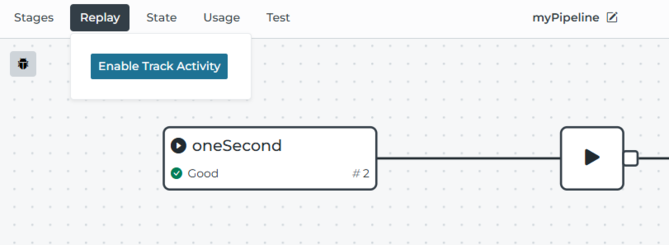
Replays can be enabled or disabled per pipeline by entering the pipeline interface and selecting Replay > Enable Track Activity and Replay > Disable Track Activity.
Storing Events and Errors Outside Replays
It is an appealing use case to leave Replays enabled to catch error situations, but as detailed above, this has the potential to cause memory and error issues. To capture events in general, events can be written to SQLite based on pipeline logic. Errors specifically may be processed using Error Handling and an external error handling pipeline that may log information about the pipeline in question and the event that caused the error. This increased level of scrutiny may help to accomplish specific error investigations over time without causing overwhelming memory and disk use overhead.
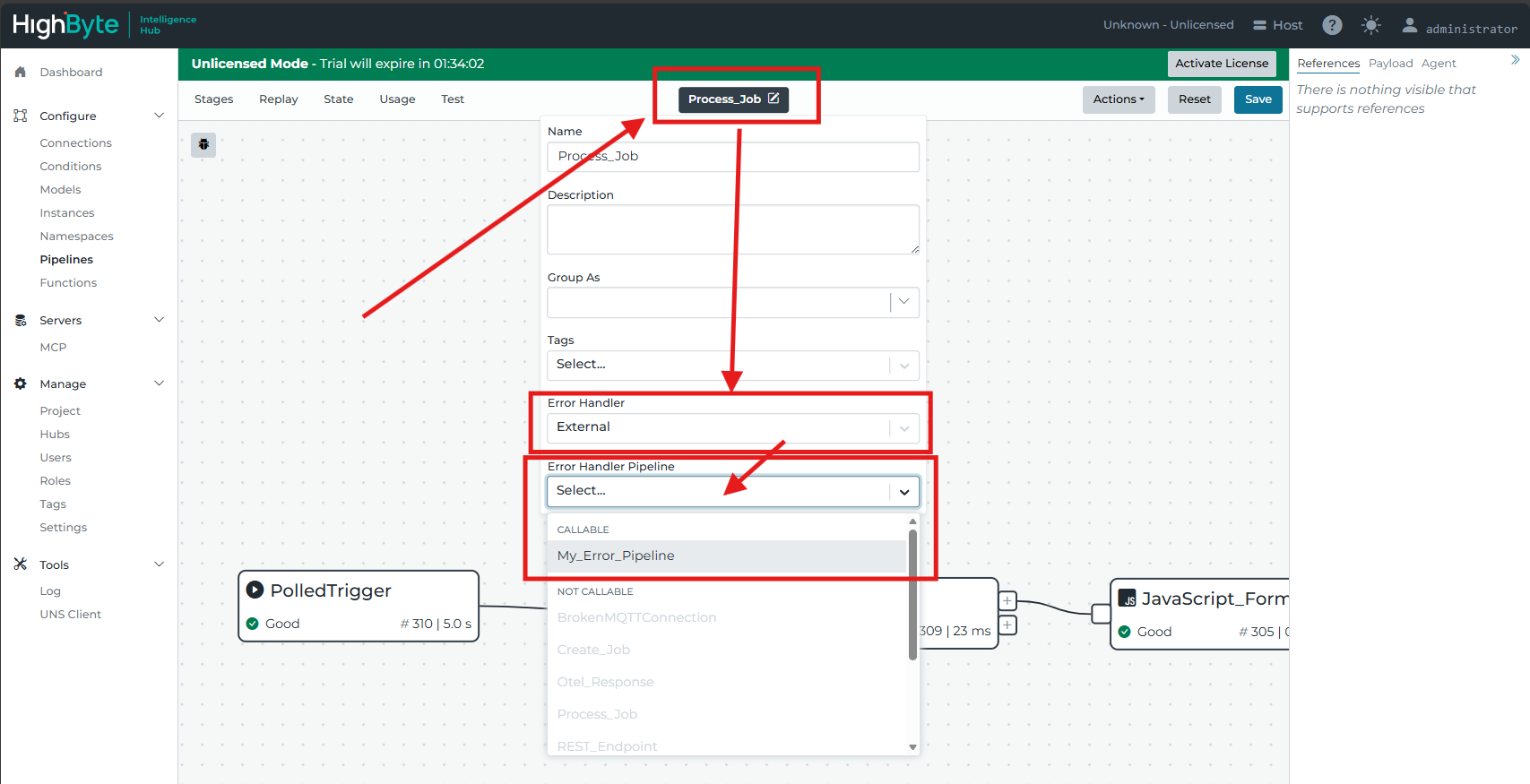
A pipeline must be equipped with a Callable Trigger to be selected as an external error handler pipeline.